



How to Add a Custom Signature to Your Handwrytten Cards is one of the simplest ways to make every message feel more personal and complete. A handwritten card already stands out—but when it ends with your own signature, it creates a more authentic and memorable connection.
With Handwrytten, adding a custom signature is seamless. Once your signature is created, it’s stored in your account and ready to use anytime, making it easy to maintain consistency across every card you send.
🎨 Note: This isn’t a copy-and-paste image. Our design team carefully recreates your signature from a sample, and it’s written using real pens with our robotics—so it looks natural and fluid, never stamped or artificial.
Have your signature recreated for a one-time fee of $250.
What’s included:
✔️ One custom signature, hand-drawn by our Design Team and ready to use anytime
Looking for additional signatures or styles? Custom quotes are available—just reach out!
You’ll receive an email via PandaDoc(font only) to review and approve your signature or font.
Once approved, it will be added to your Handwrytten account within 24 hours.
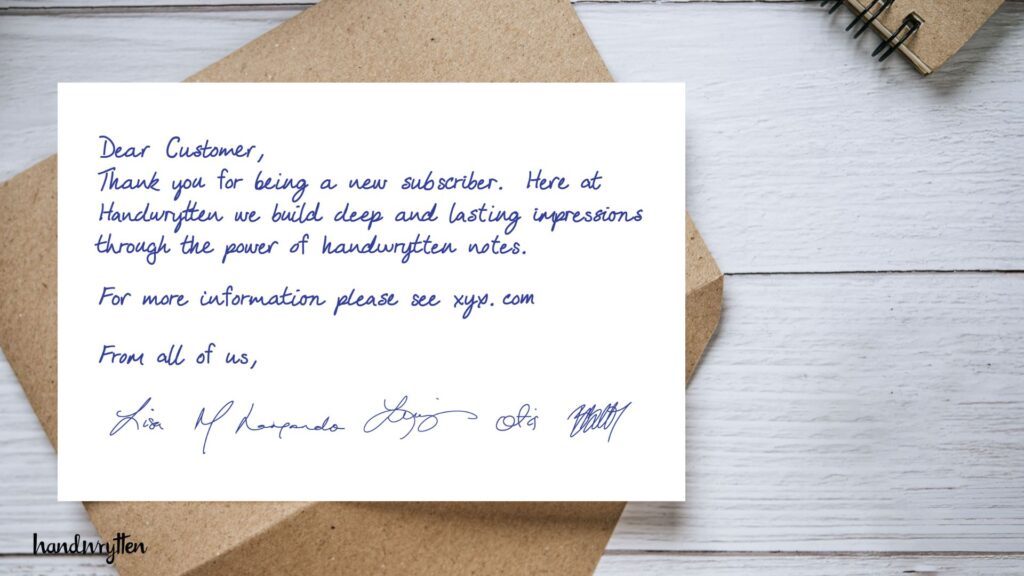
Once your signature is ready, you’re all set to use it. Whether you’re sending a single card or launching a large campaign, adding your signature is simple.
When your custom signature is available, a Signature dropdown will appear below the message box.
You can place your signature in two ways:
🔎 Pro Tip: Use the preview window to confirm signature placement before sending.
A handwritten card already makes a lasting impression—but your signature takes it one step further. It’s the final flourish that transforms a thoughtful message into something unmistakably yours. Every recipient notices it, remembers it, and feels the personal connection it creates.
With Handwrytten, adding a custom signature is seamless and scalable. Once created, it’s stored in your account and ready to use on every card, giving you the ability to maintain authenticity and consistency across personal notes, client outreach, or team communications. It’s the small detail that makes a big difference.
Ready to elevate every card you send? Handwrytten is here to help bring your signature to life, effortlessly and beautifully.
📧 Reach out to sales@handwrytten.com or connect with your Account Executive to get started.
💬 Is this just a scan of my signature?
No. Your signature is hand-recreated by our design team and written using the same handwriting robots that write the rest of your card.
💬 Can I have more than one version?
Yes! Many users create both formal and casual versions—or even stylized initials. Ask us about custom pricing.
💬 Can I update or change my signature later?
Absolutely. You can submit new versions at any time. Pricing may vary.
💬 Can I use the same signature for personal and business notes?
Yes. Your signature is linked to your account and can be used on any card you send.


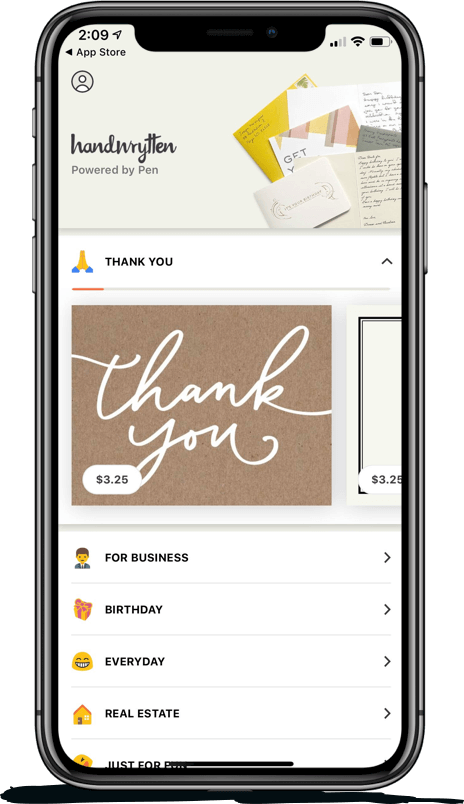
Scale your handwritten outreach, creating positive impressions and long lasting bond.
Sign Up Today!



Over 100 designs to choose from or design your own. Our online card customizer makes it simple.
Check Out Our Cards!




Thank you.
