










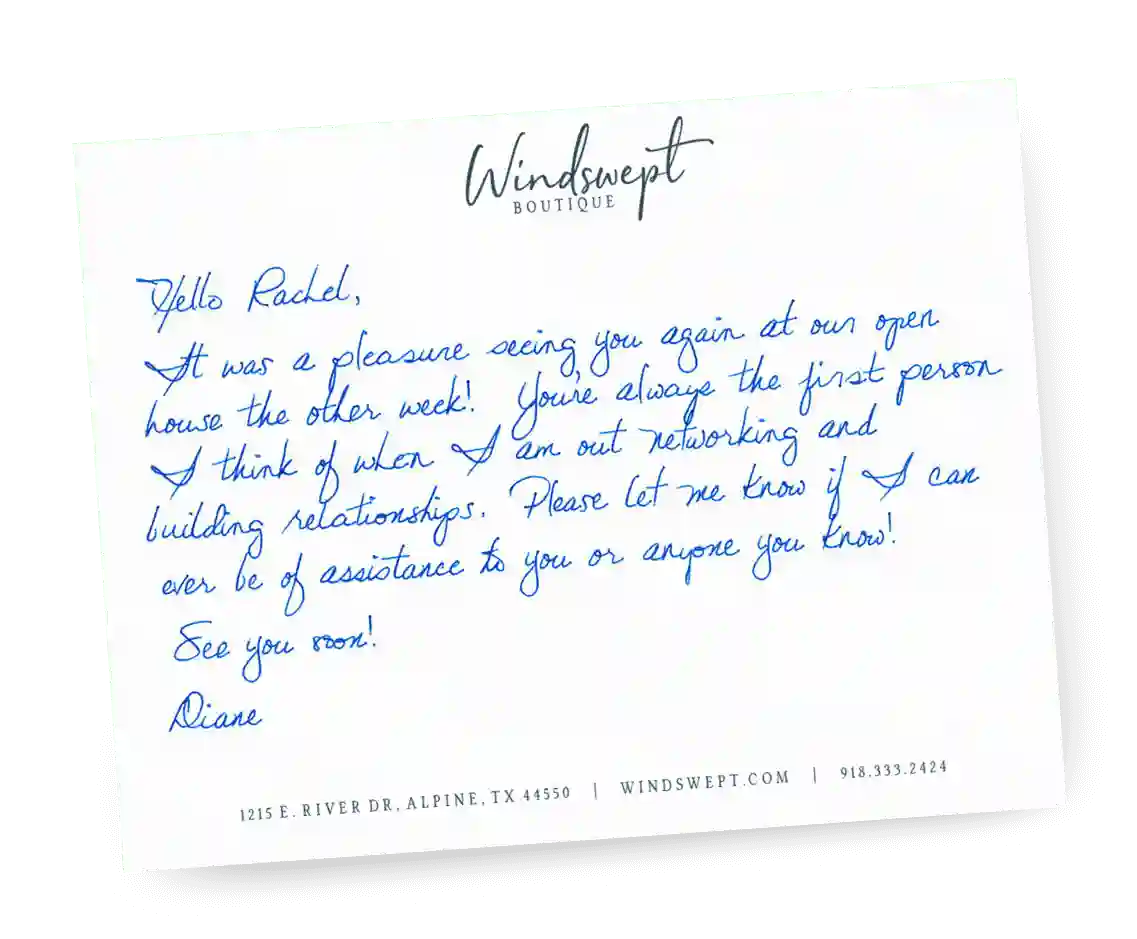

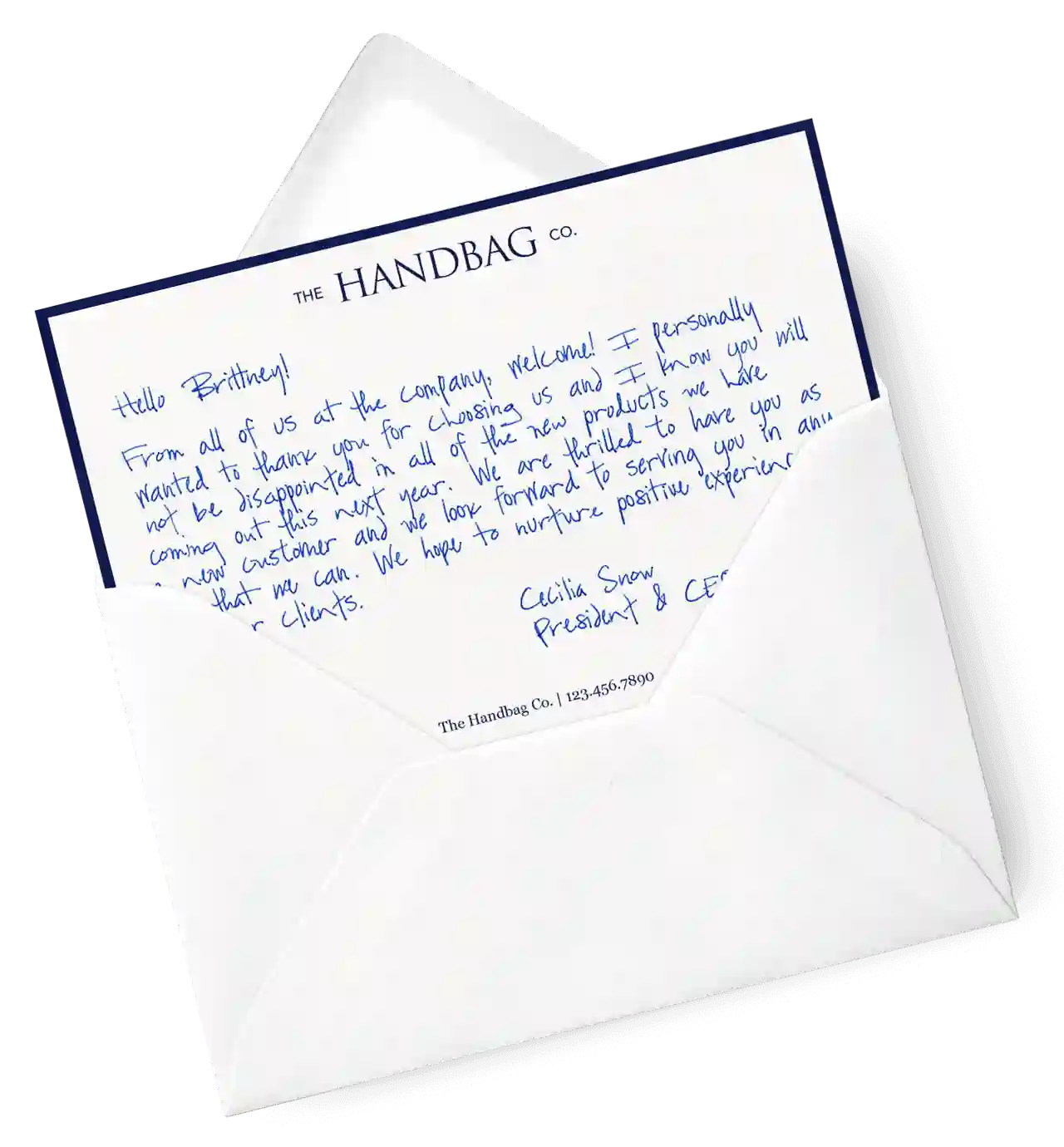

Handwrytten’s handwritten note service allows you to scale your handwritten outreach,
creating positive impressions and long lasting bonds.




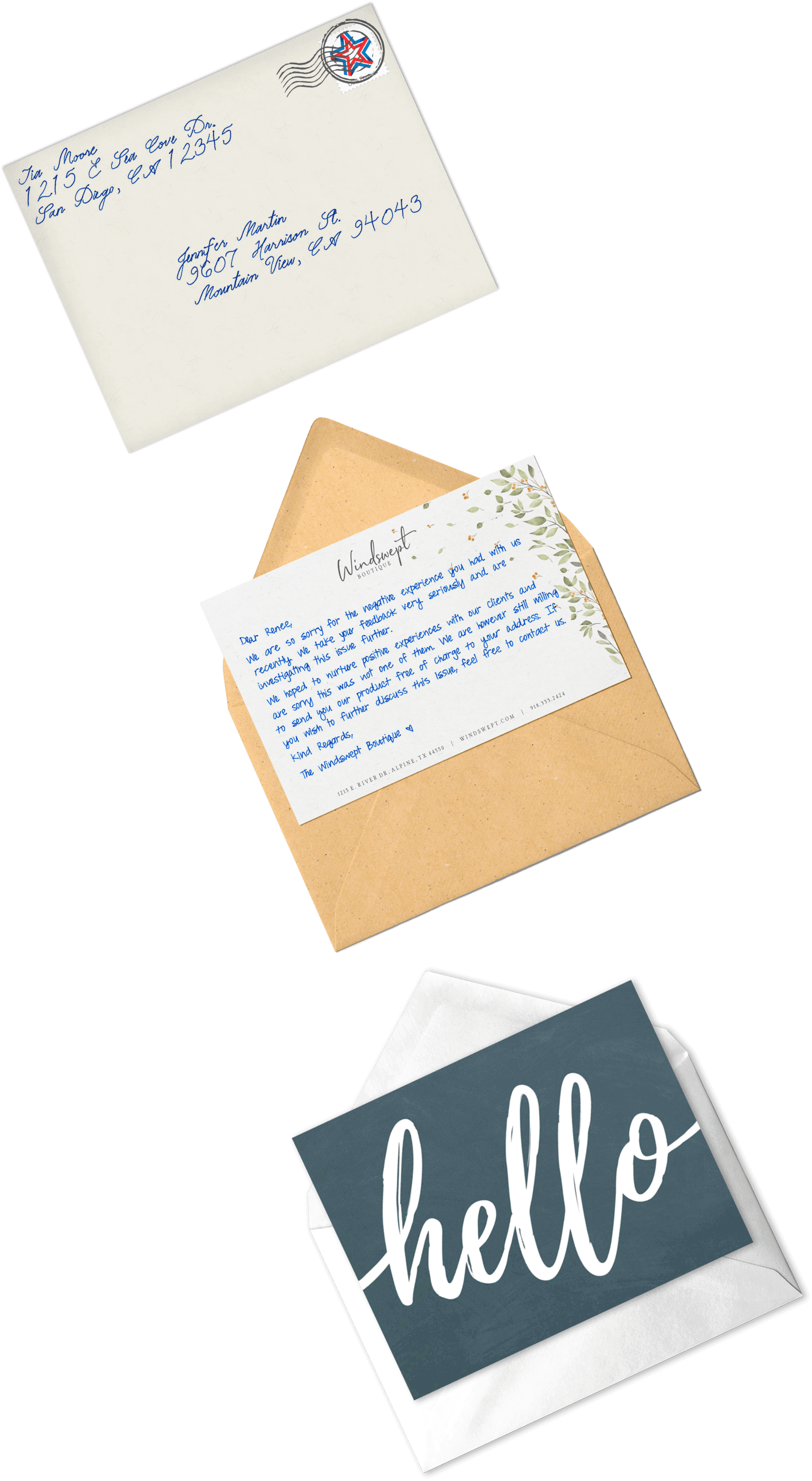
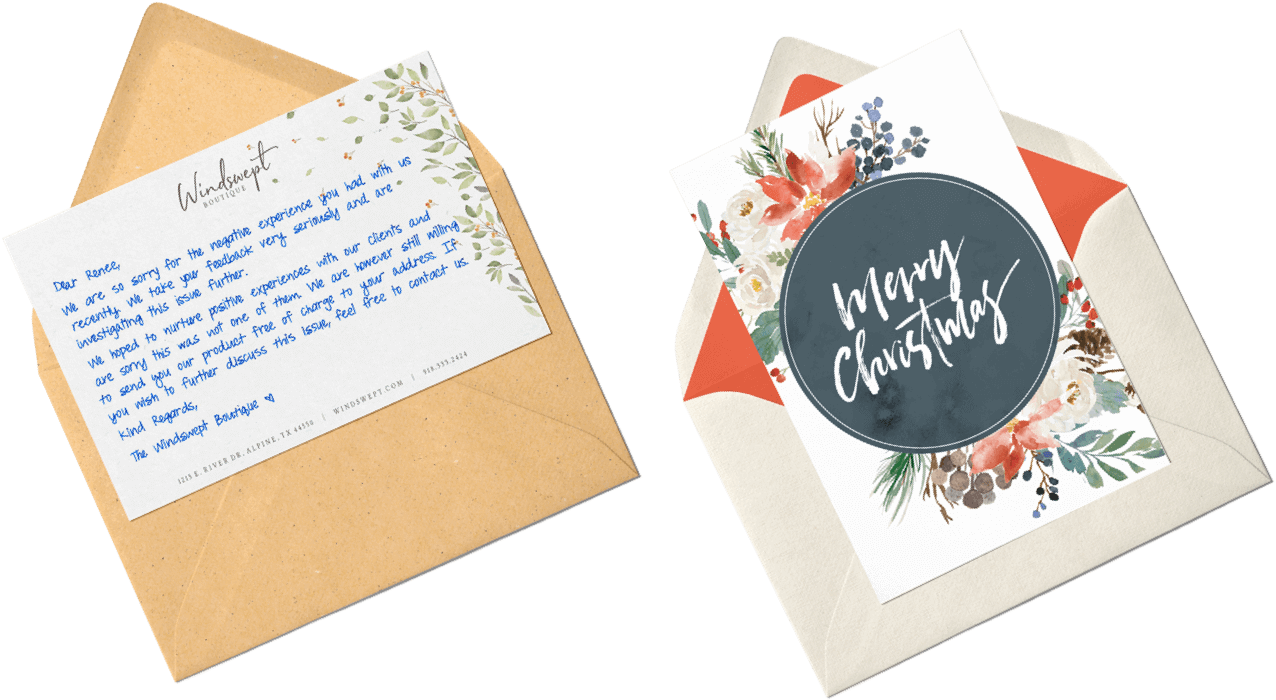
Simply type your note, or use our AI to perfect your message. Then choose from our beautiful selection of cards. You can even design your own stationery!
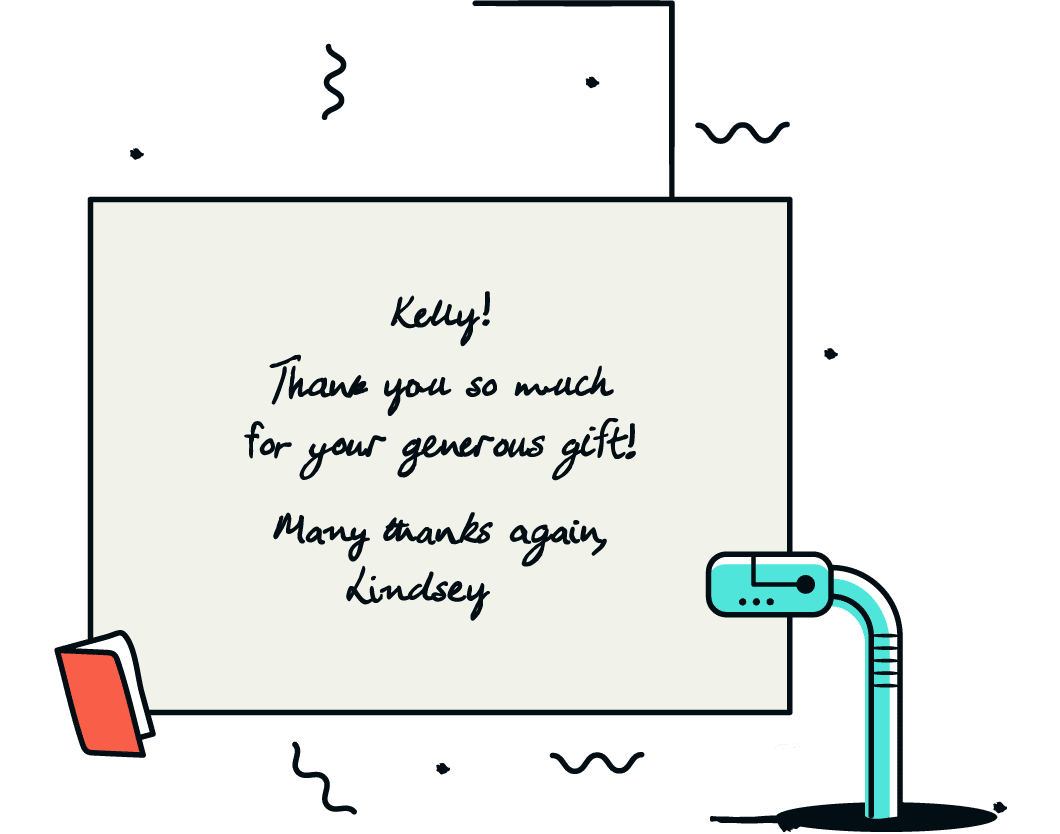



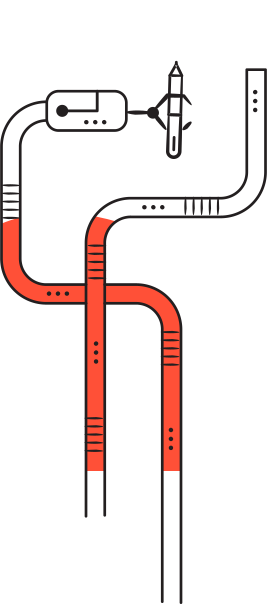
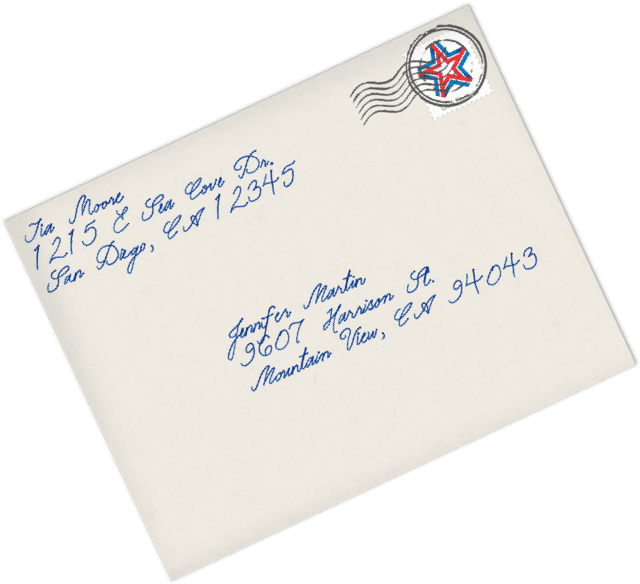
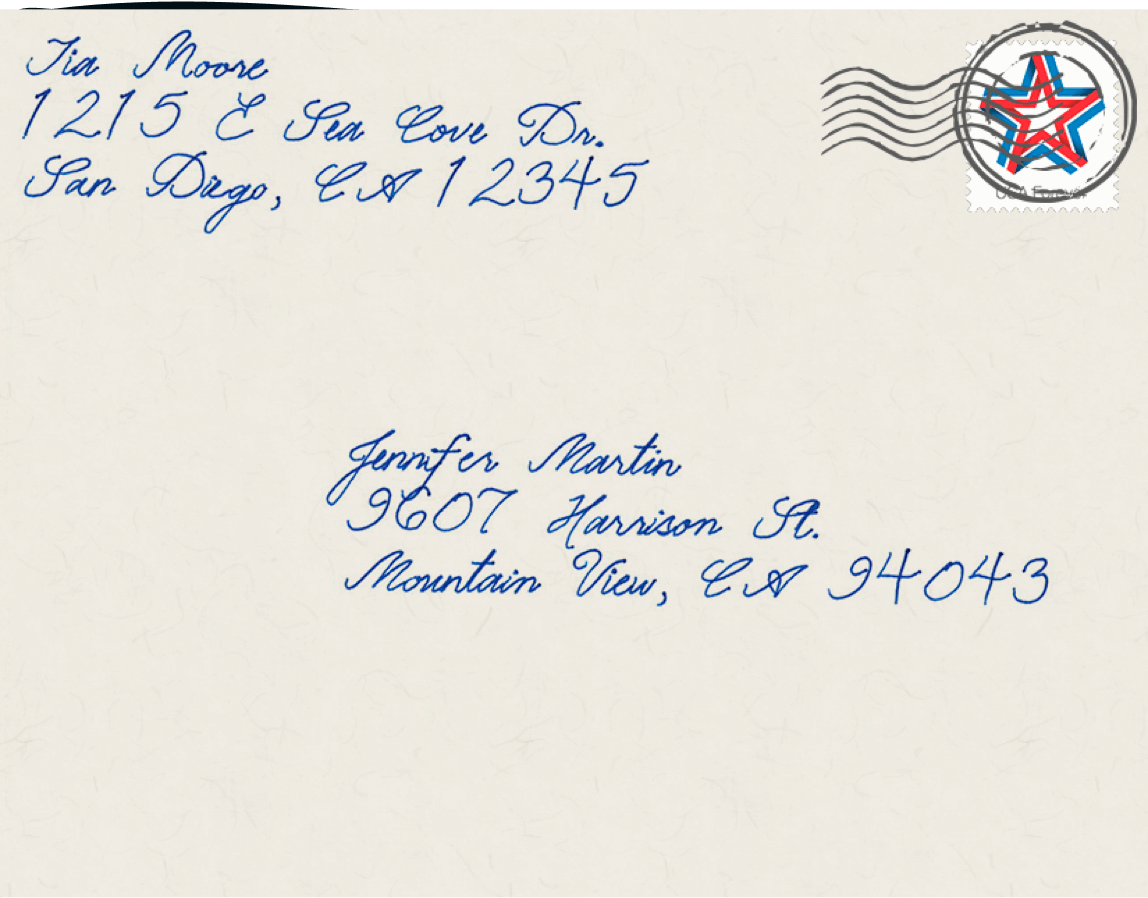
Handwrytten uses custom-designed handwriting robots that hold real pens to write out the notes in the handwriting style of your choice. Our AI ensures the note is completely unique and looks authentic.


We send all notes via First Class postage. Domestic postage and delivery in the US and Canada. We also deliver to 190 other countries. Sending real cards online has never been easier!
More Features






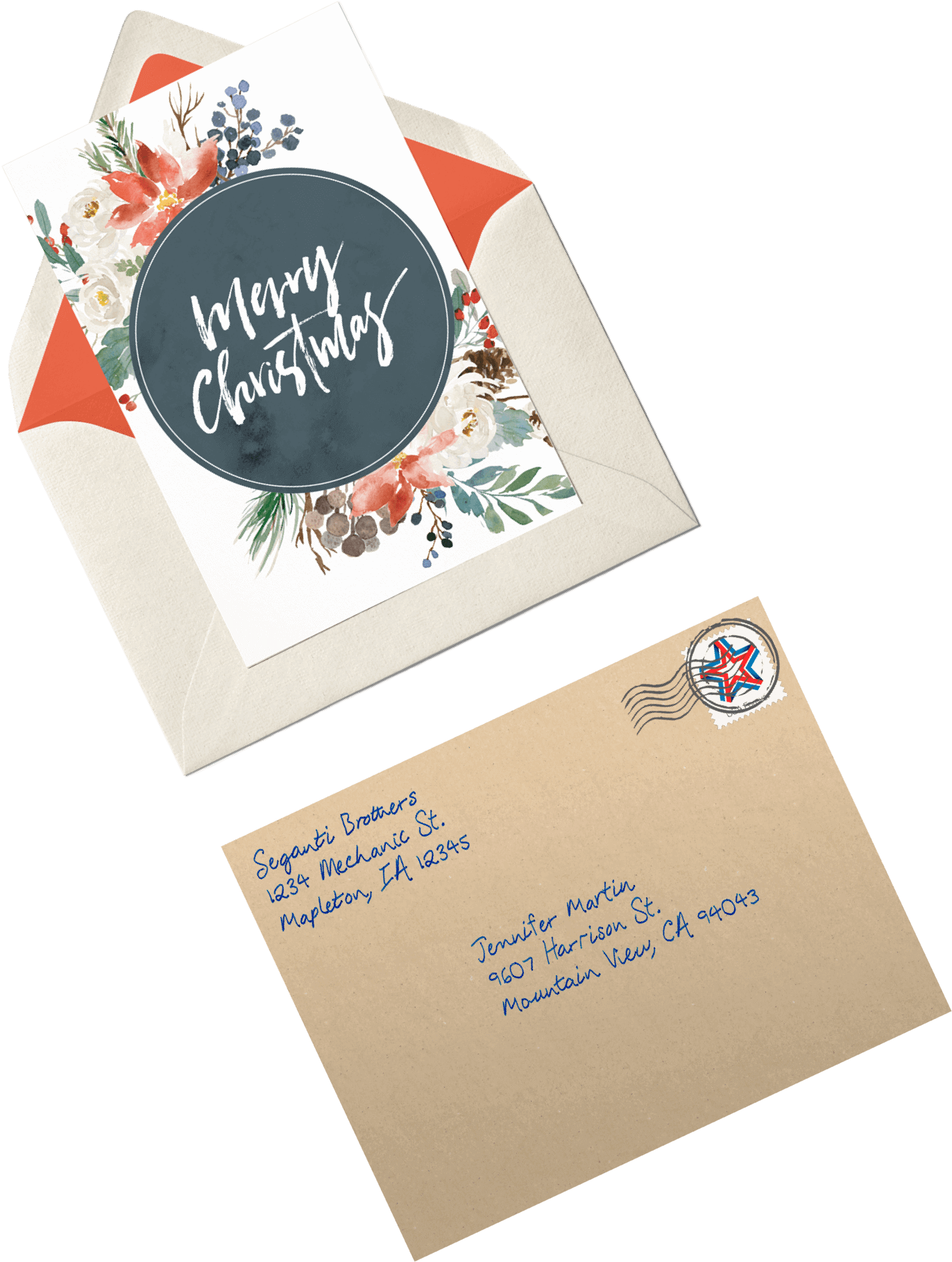
Over 100 designs to choose from or design your own. Our online card customizer makes it simple. All cards are printed on thick, luxurious stock. Feeling picky? We can print custom cards to your exacting specifications.
Our Cards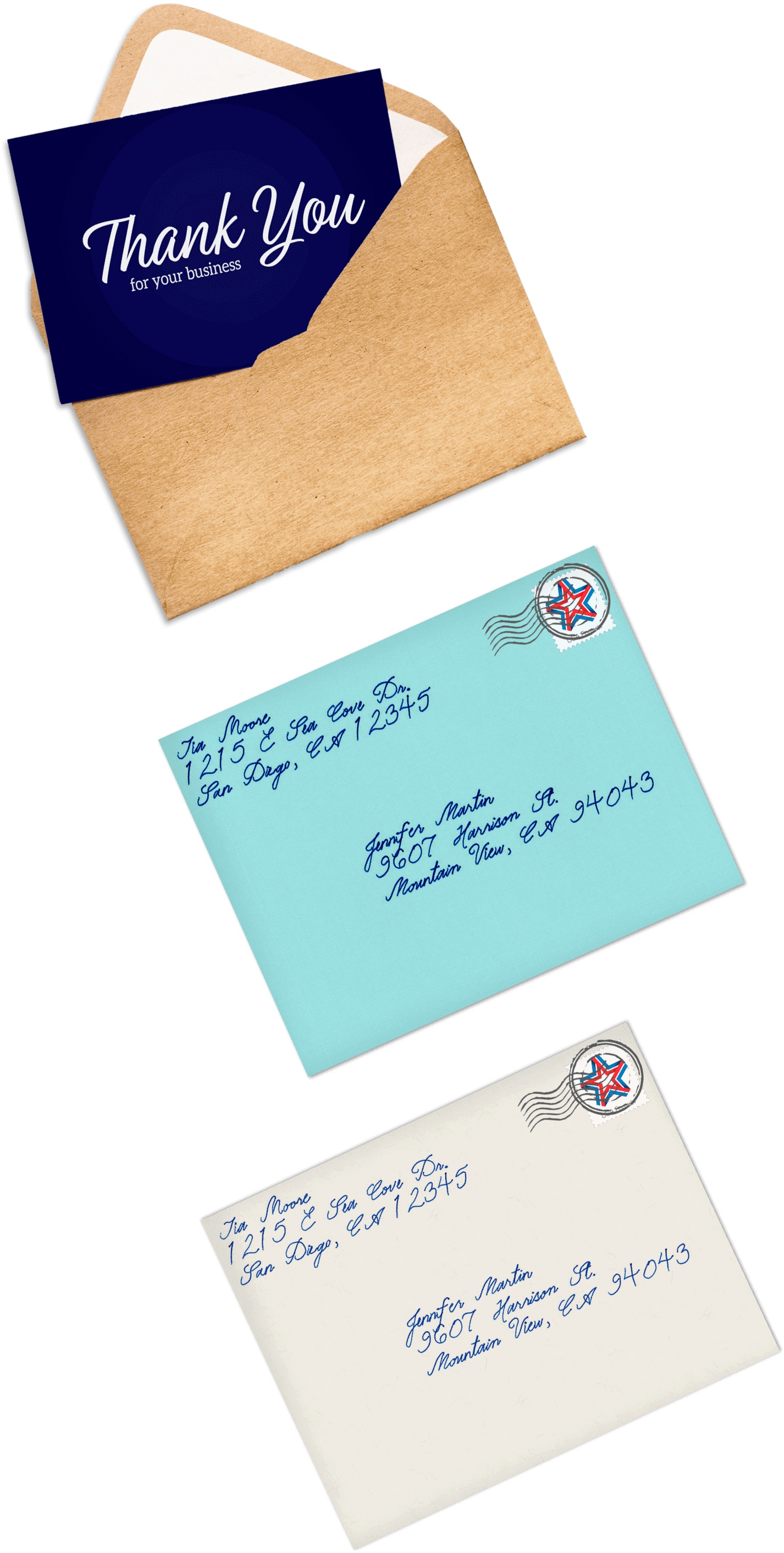

 Resources

As the world leading handwriting service, we are always writing
on the power of handwritten outreach. Here are some of our latest thoughts.

Methodology: This comparison was researched and written by the Handwrytten editorial team based on publicly available information, including pricing ...
Handwrytten’s MCP connector lets Claude work with your Handwrytten account from a regular chat. Once it is connected, you can browse card ...



I always want to send thank you cards, but I typically don't get around to it. Until now. Handwrytten makes it so simply to send handwritten thank you cards, I have it on autopilot!
Sean McElhaneyHandwrytten makes it easy to send business thank you cards. Using the web site, it just takes a few minutes to select a card, type a message and select a handwryting style. It all looks so natural, right down to the stamp. I never have to handwrite again!
Patrick JehleIt’s so quick and easy to send follow-ups right after a meeting. Using the app, it’s just a few clicks to send a card online. The app integrates with my phone’s address book so re-typing addresses is kept to a minimum.
Jenna SwartzThe Handwrytten app and sites are a great, convenient way to send handwritten cards online easily. I love using the app to send physical gift cards. The handwriting looks 100% real! Other handwriting services simply don't compare.
Kathy GomezCustomer experience is so important. We use Handwrytten to improve the onboarding experience of our users. This increases retention and lifetime member value. We are thrilled to have found them. I can now send a cursive handwritten letter from my phone.
Jarrett KailinMy company started using Handwrytten six years ago to send out cards after sales meetings. We now send over 15,000 cards a month for us and make a huge impact with our prospects. I'm so glad I found them online.
Kristie M.The quality of the handwritten notes is unbelievable. You would never know that these weren't actually handwritten. They are my "go to" handwritten notes service for client connections.
Roger LevenHandwrytten's Hubspot integration allows our business to send handwritten cards automatically to customers at key touch points. I cannot recommend this service enough. If you're looking for a handwritten card service, they live up to their reputation.
Sara Longwilde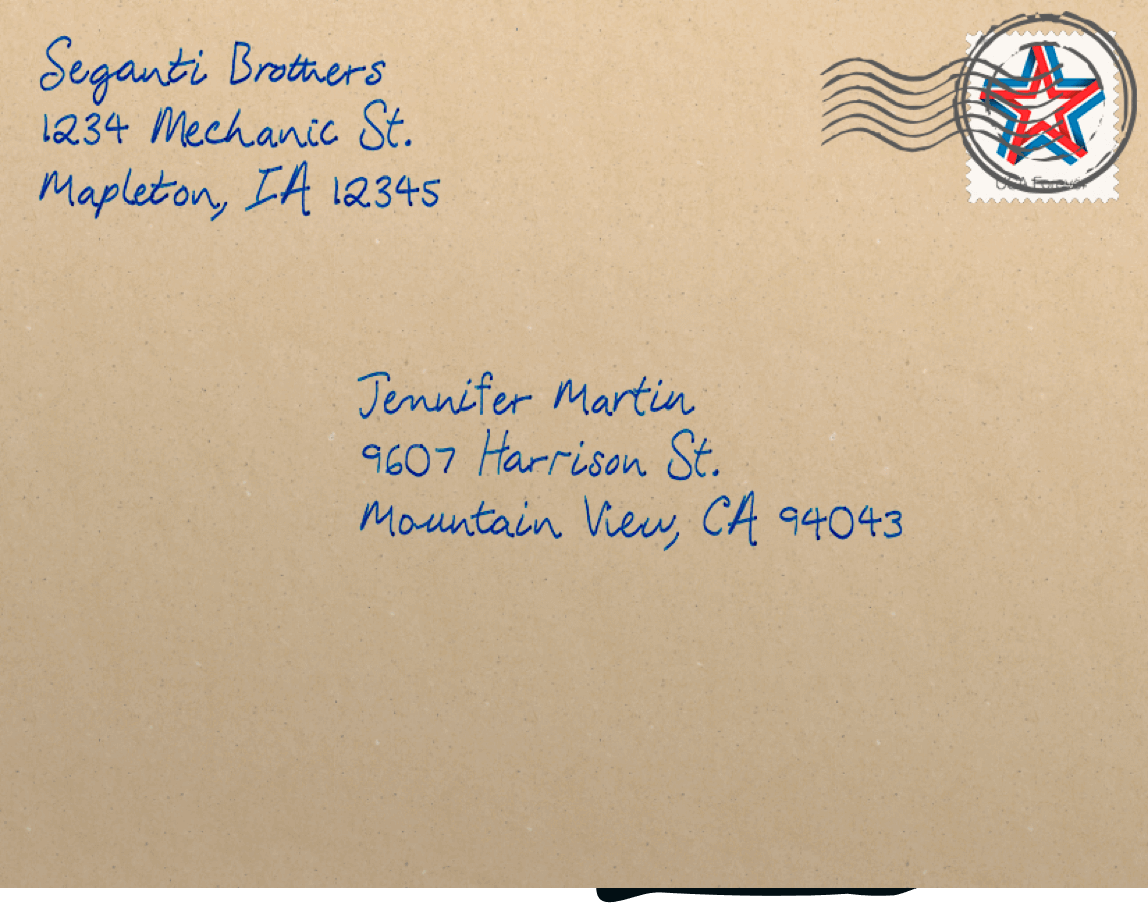







Companies of all sizes use Handwrytten to scale their outreach. We make it easy with our web site, apps and integrations into major platforms.
Business Integrations

Thank you.