



Handwrytten’s MCP connector lets Claude work with your Handwrytten account from a regular chat. Once it is connected, you can browse card designs, choose a recipient, draft a message, preview the handwriting, and send the finished card without rebuilding the order by hand.
You’ll need a Handwrytten account, and access to Claude’s connector settings to set this up.
Handwrytten can be connected to Claude through MCP..
Open Claude’s connector settings, and choose “Add custom connector”, Paste the following URL in the URL box: https://mcp.handwrytten.com/mcp , give the connection a recognizable name such as Handwrytten, and add it.
The connector record may appear before it is authorized. That is expected; the account connection is finished in the next step.

Paste the remote MCP server URL and name the custom connector.
Back in Claude, open Settings and select Connectors. Find Handwrytten in the list and choose the option to connect or authorize it.
Sign in to Handwrytten if prompted, then approve the connection. When you return to Claude, Handwrytten should be available as a connector in your conversations.

Open Claude’s Settings menu to manage connectors.

Sign in to Handwrytten to finish authorizing the connector.
Start a new Claude conversation with the Handwrytten connector enabled. Ask Claude to use the Handwrytten Preview tool to show available cards.
Browse the returned designs, then either type the name of the card you want or use the Select button beneath it.

Browse available Handwrytten designs and select a card.
Provide the recipient’s full name and mailing address. Then describe what the note should say in plain language. You can include the occasion, tone, key details, signature, preferred handwriting style, and whether Claude should use a stored return address.
Ask for a message preview before anything is added to the basket. A useful request might be: Write a warm birthday card to my mom at this address, sign it with my name, use my stored return address, and show me a preview first.

Include the address, message direction, signature, and preview request in one prompt.
Read the message carefully and inspect the handwritten preview. Check names, spelling, dates, the recipient address, the return address, and the signature.
If something needs changing, tell Claude exactly what to revise and request a fresh preview. Do not add the card to the basket until the visible copy is ready to send.

Review the message in its selected handwriting before ordering.
Ask Claude to add the approved card to your Handwrytten basket, then ask it to show the basket. Confirm the card, recipient, sender, price, postage, and requested send date.
When the basket is correct, tell Claude to send the card. Finally, ask it to check Past Orders so you can confirm that the order was created.

Check the basket details before telling Claude to place the order.


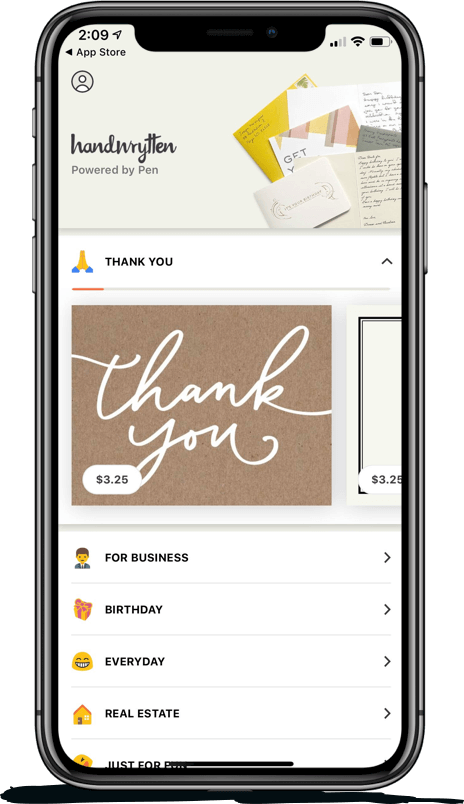
Scale your handwritten outreach, creating positive impressions and long lasting bond.
Sign Up Today!


Over 100 designs to choose from or design your own. Our online card customizer makes it simple.
Check Out Our Cards!




Thank you.
