



Multi-step campaigns, often called drip campaigns, are a powerful way to automate and personalize your communication. While traditionally associated with email, this strategy becomes even more impactful when paired with handwritten cards and physical mail.
In this complete guide to multi-step campaigns, we’ll walk you step-by-step through how to build an effective sequence that creates lasting impressions, nurtures stronger relationships, and keeps your brand top-of-mind.
The most successful campaigns use between 4 and 11 steps. The goal is simple: send the right message at the right time. By blending emails, phone calls, and handwritten notes, you can create a memorable experience that stands out in today’s digital-heavy world.
With this complete guide to multi-step campaigns, you’ll see how a thoughtful sequence can:
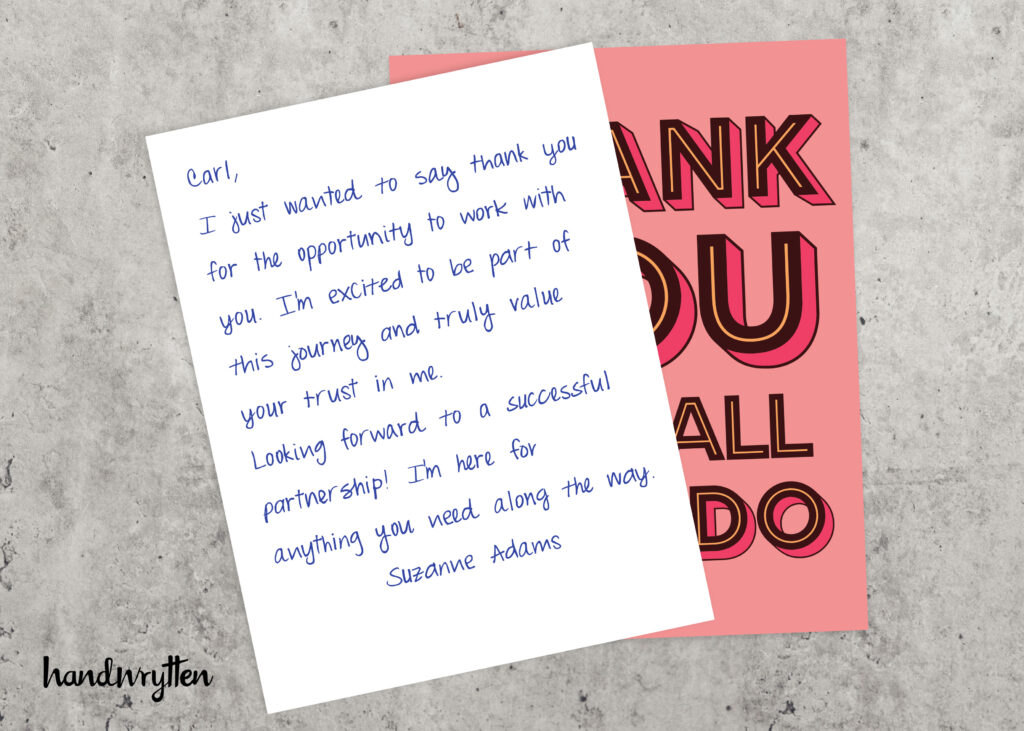
Here are some of the most effective types of multi-step campaigns you can create by blending physical cards, emails, and phone calls for maximum impact.
Goal: Greet new clients or subscribers and create a strong, personal first impression.
Typical Steps: 3
Sequence:
Goal: Build trust and guide potential clients toward a purchase.
Typical Steps: 4
Sequence:
Goal: Thank new clients and provide a smooth, personal onboarding experience.
Typical Steps: 3–4
Sequence:
Goal: Win back inactive or lapsed customers.
Typical Steps: 2–3
Sequence:
Now that you’ve seen examples, let’s dive into the step-by-step tutorial. This section of A Complete Guide to Multi-Step Campaigns will show you exactly how to build one inside your account.
From your account’s dropdown menu, go to Campaign Manager and choose Multi-Step Campaign. You can create as many campaigns as you need.
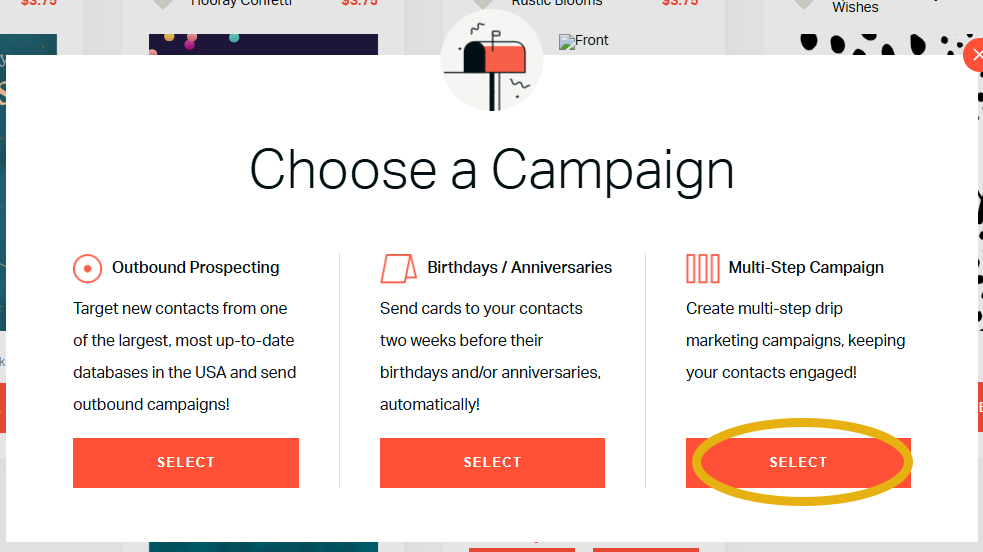
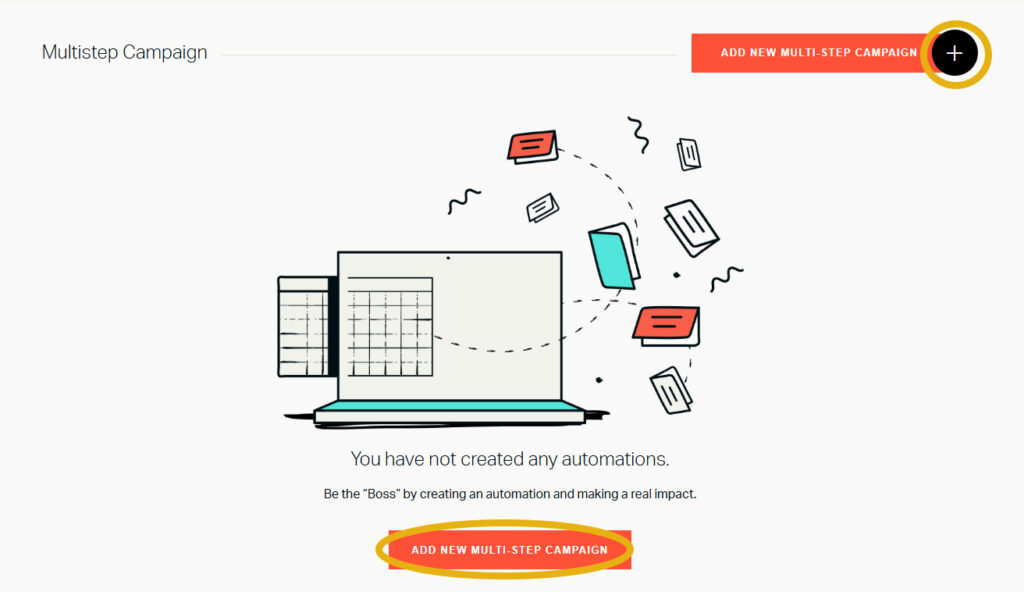
Click Add New Multi-Step Campaign. Choose a clear name like “New Client Onboarding”.
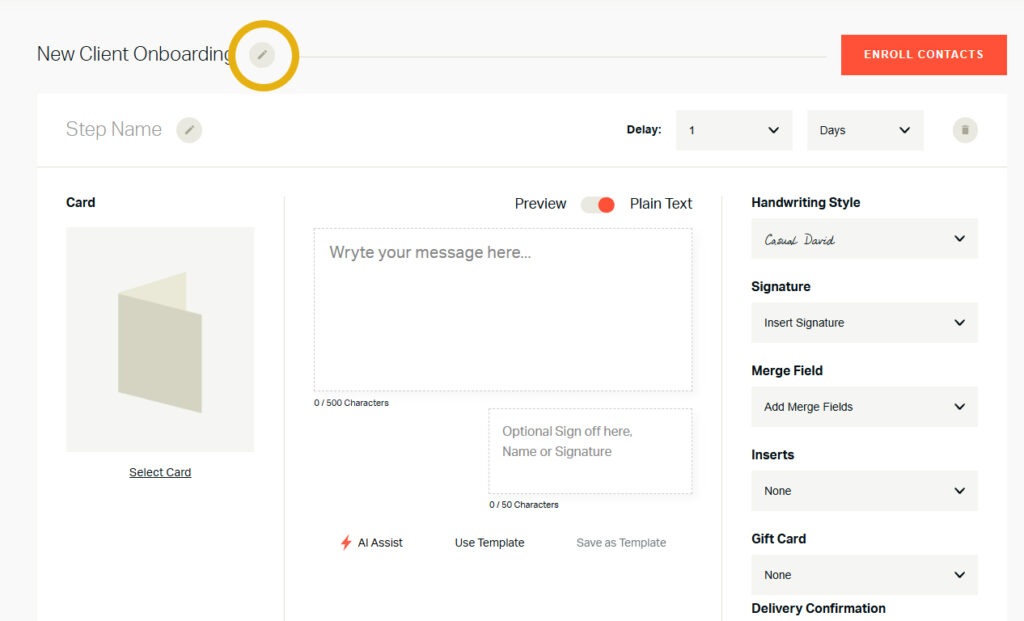
Every campaign starts with a first step that triggers the rest of the sequence.
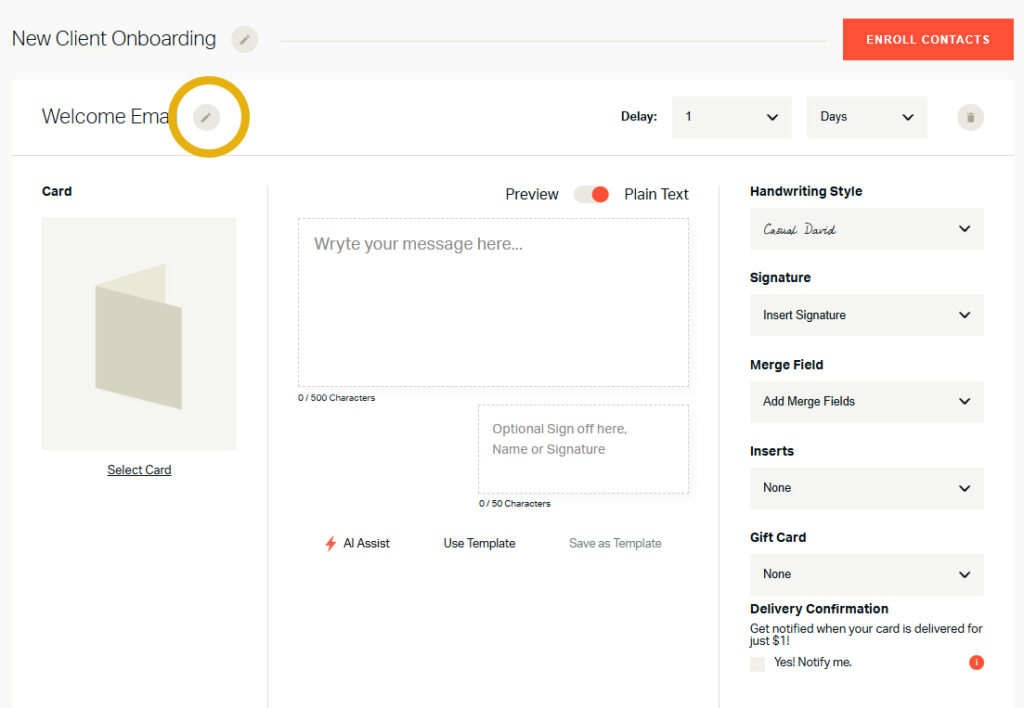
2. Enroll contacts from your address book.
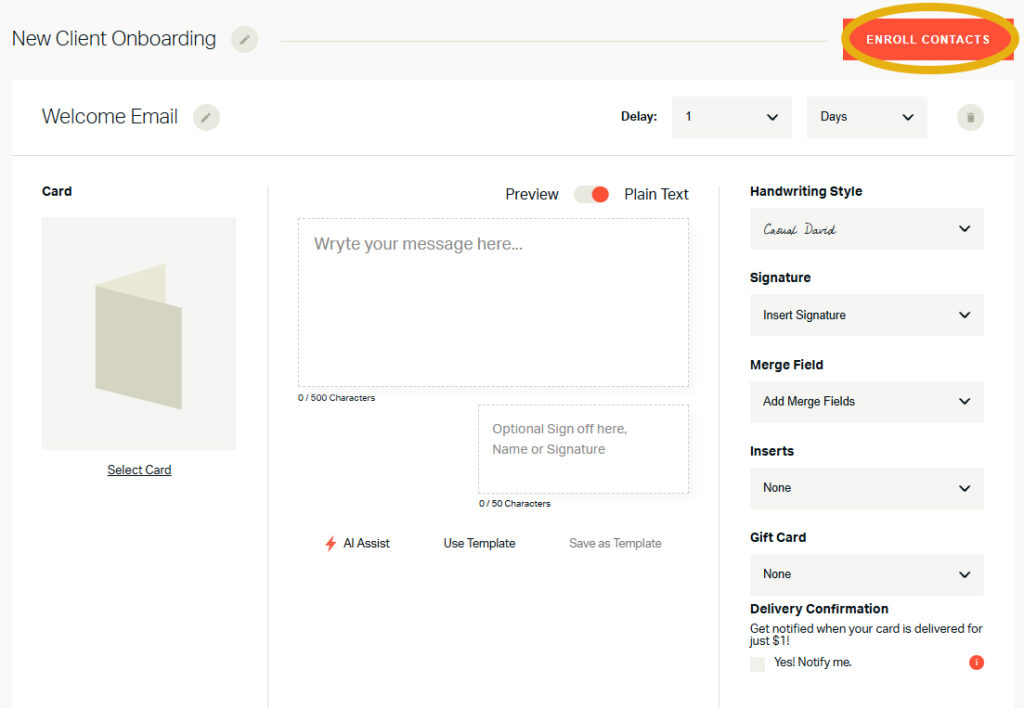
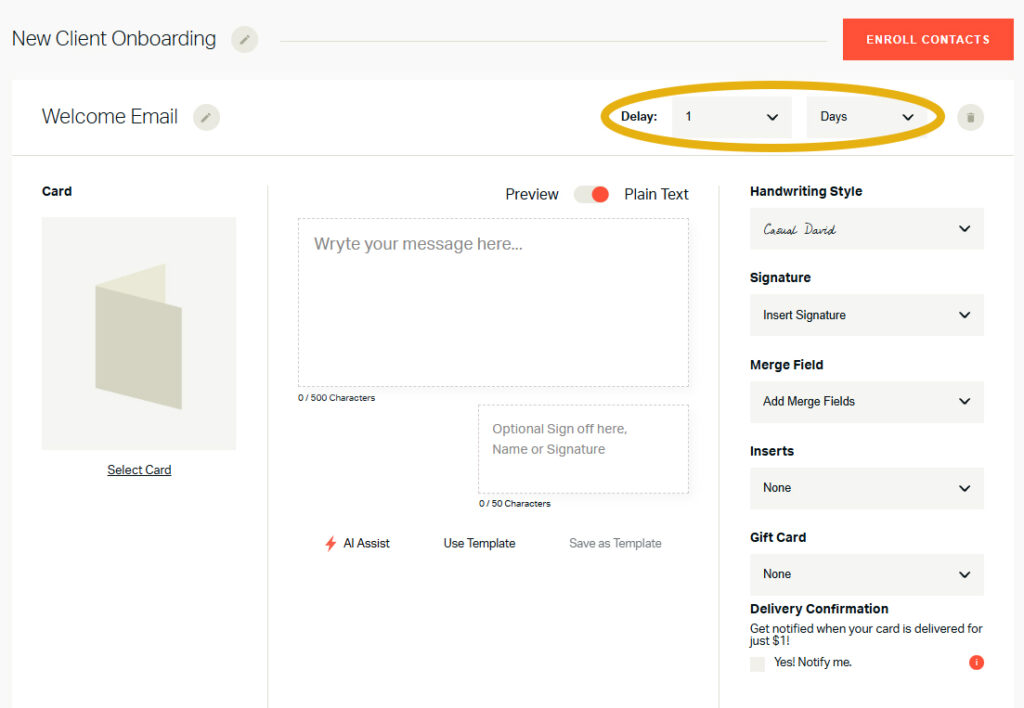
3. Set the delay (Day 0 = enrollment day).
4. Write your message, using merge fields for personalization.
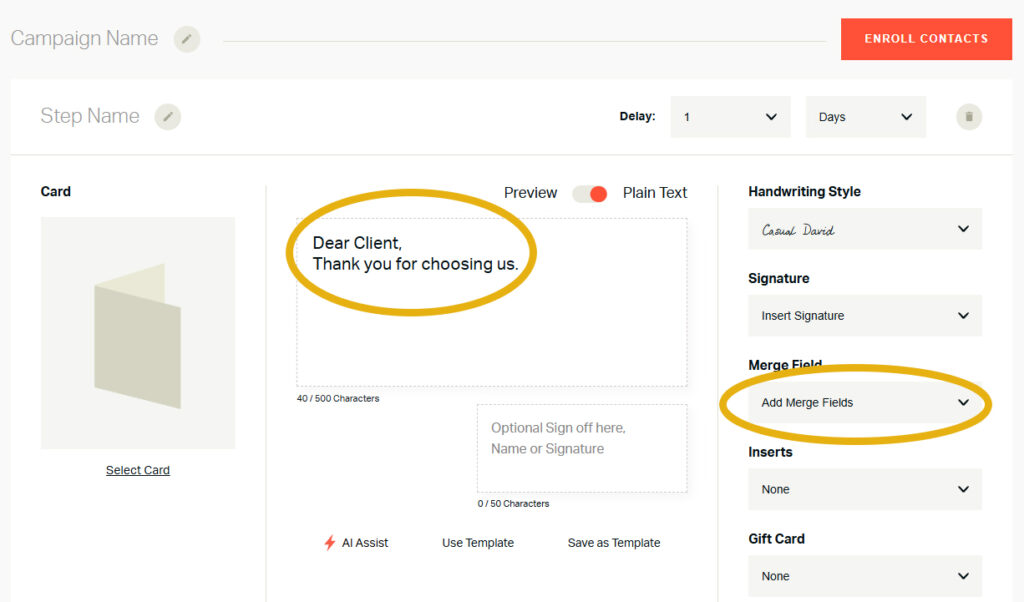
5. Preview your handwritten card by switching from Plain Text to Preview.
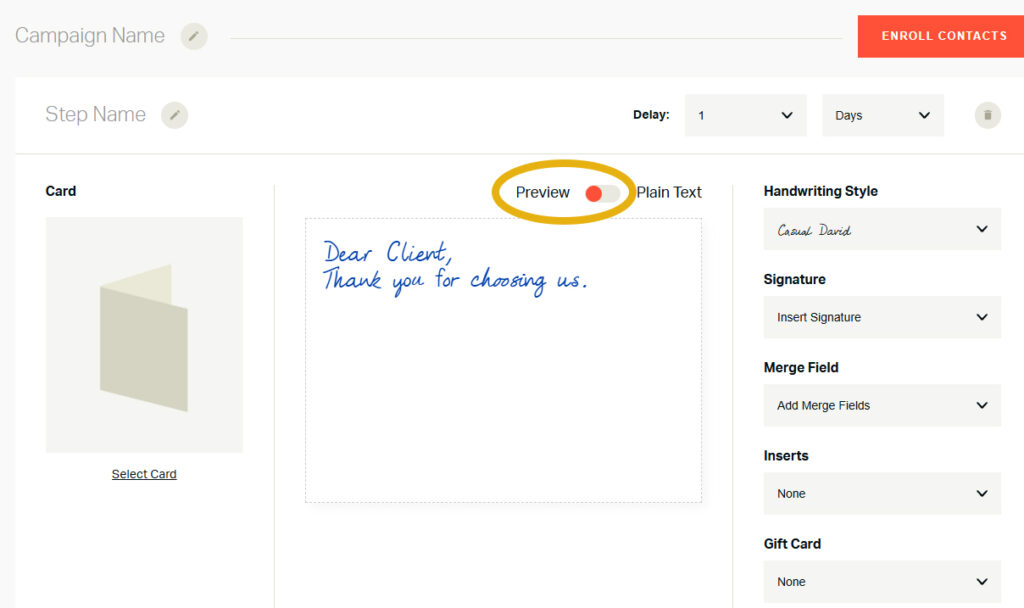
6. Add extras like inserts or gift cards if desired.
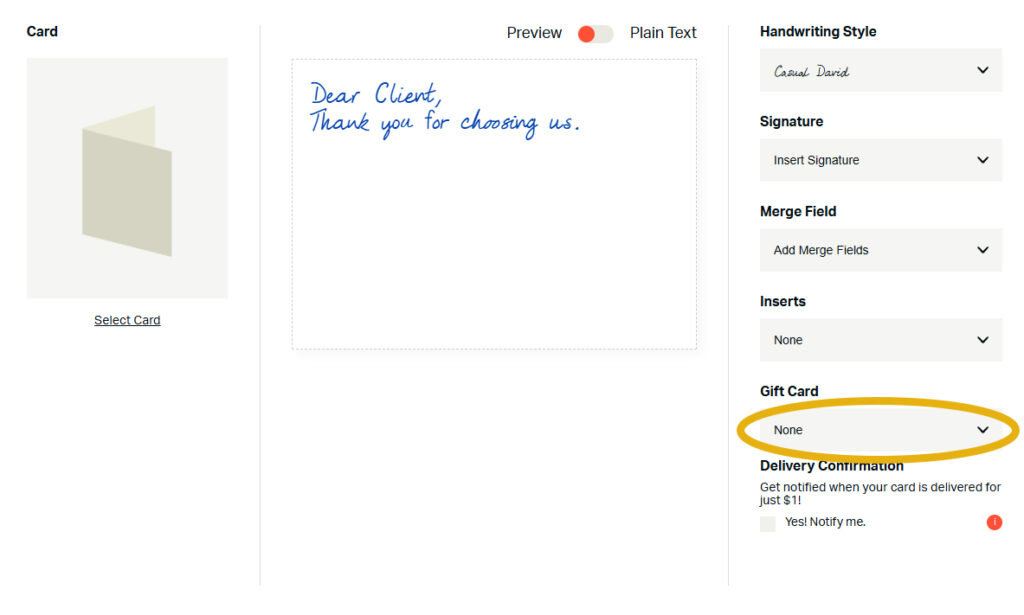
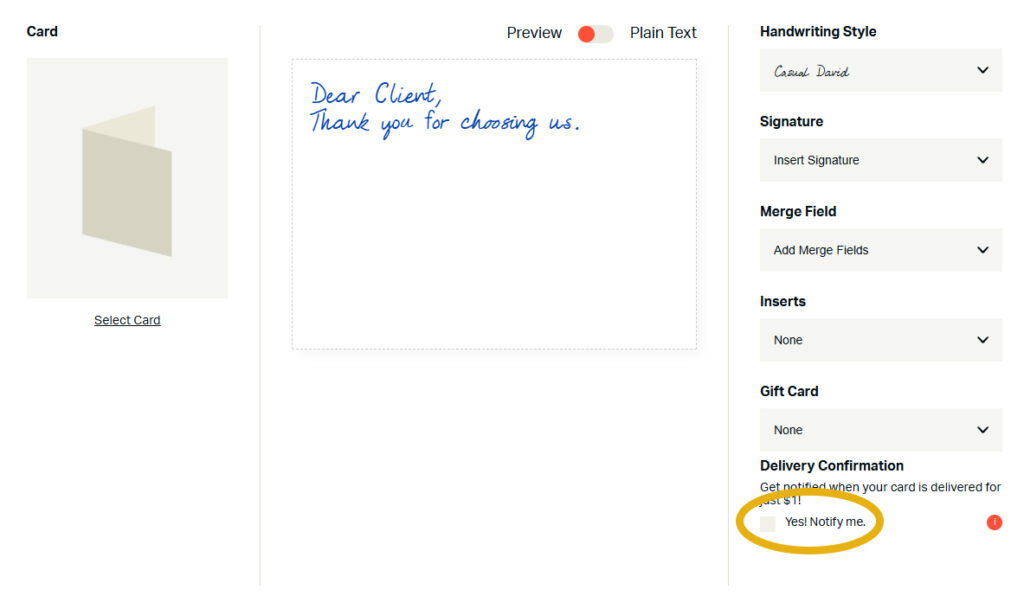
7. Confirm delivery with tracking, if needed.
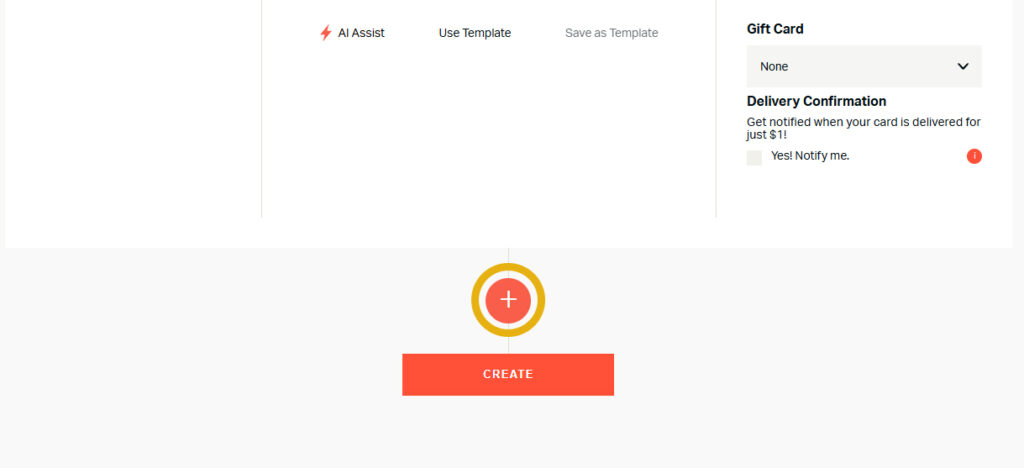
Repeat the process for each additional step. Adjust names, delays, and message types to build your perfect sequence.
💬 Can a contact be in multiple campaigns at once?
Yes. For example, a customer could be in a Welcome Series and also receive a Birthday Campaign.
💬 How do I check which campaigns a contact is enrolled in?
Go to your address book and look for orange campaign icons. Hover to see details.
💬 What are some examples of campaigns I can create?
💬 How do I decide which type of campaign to use?
It depends on your goal. Lead generation? Go with Lead Nurturing. Loyalty? Focus on Onboarding or Customer Milestone. Sales boost? Try Promotional or Abandoned Cart.
💬 How many steps should I include?
Most campaigns work best with 4–11 steps, but you can adjust based on your audience.
This complete guide to multi-step campaigns shows how powerful it is to combine digital tools with handwritten cards. By planning sequences that nurture, onboard, or re-engage your customers, you’ll build stronger, lasting connections.
✨ Ready to create your own multi-step campaign? Log into your Handwrytten account today—or reach out to our sales team at sales@handwrytten.com for support in setting up your perfect sequence.


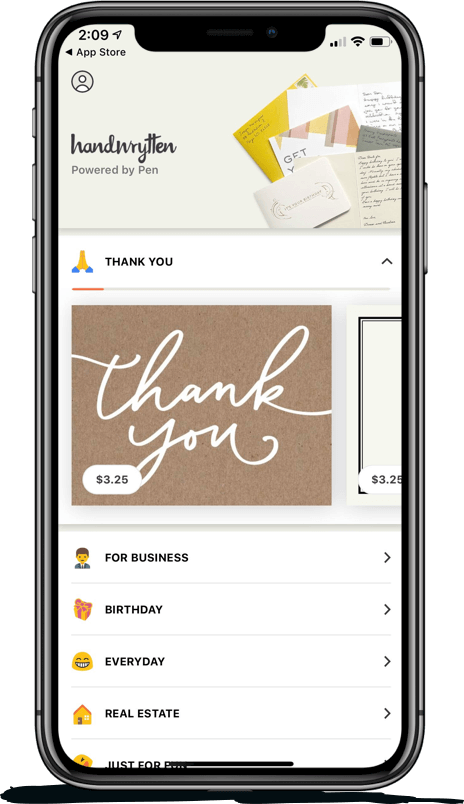
Scale your handwritten outreach, creating positive impressions and long lasting bond.
Sign Up Today!

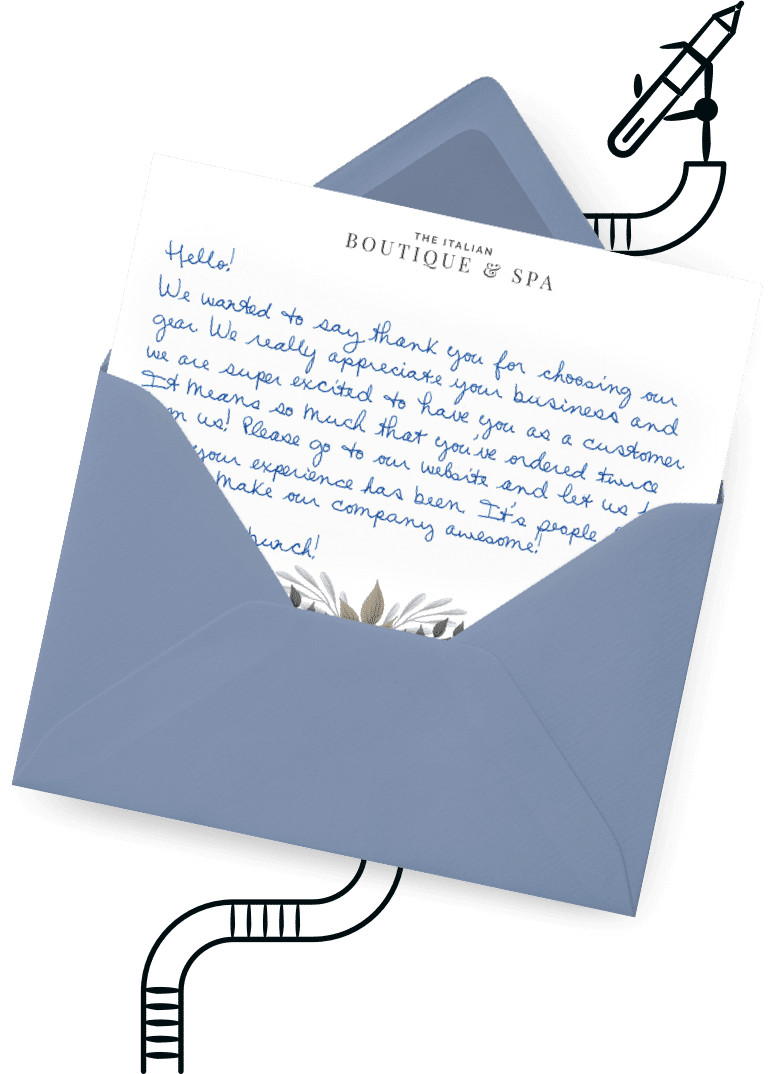

Over 100 designs to choose from or design your own. Our online card customizer makes it simple.
Check Out Our Cards!




Thank you.
